Visual brief
“A brushed-steel running shoe in rain, sharp side light, generous negative space”
Subject: shoeLight: rainMood: precise
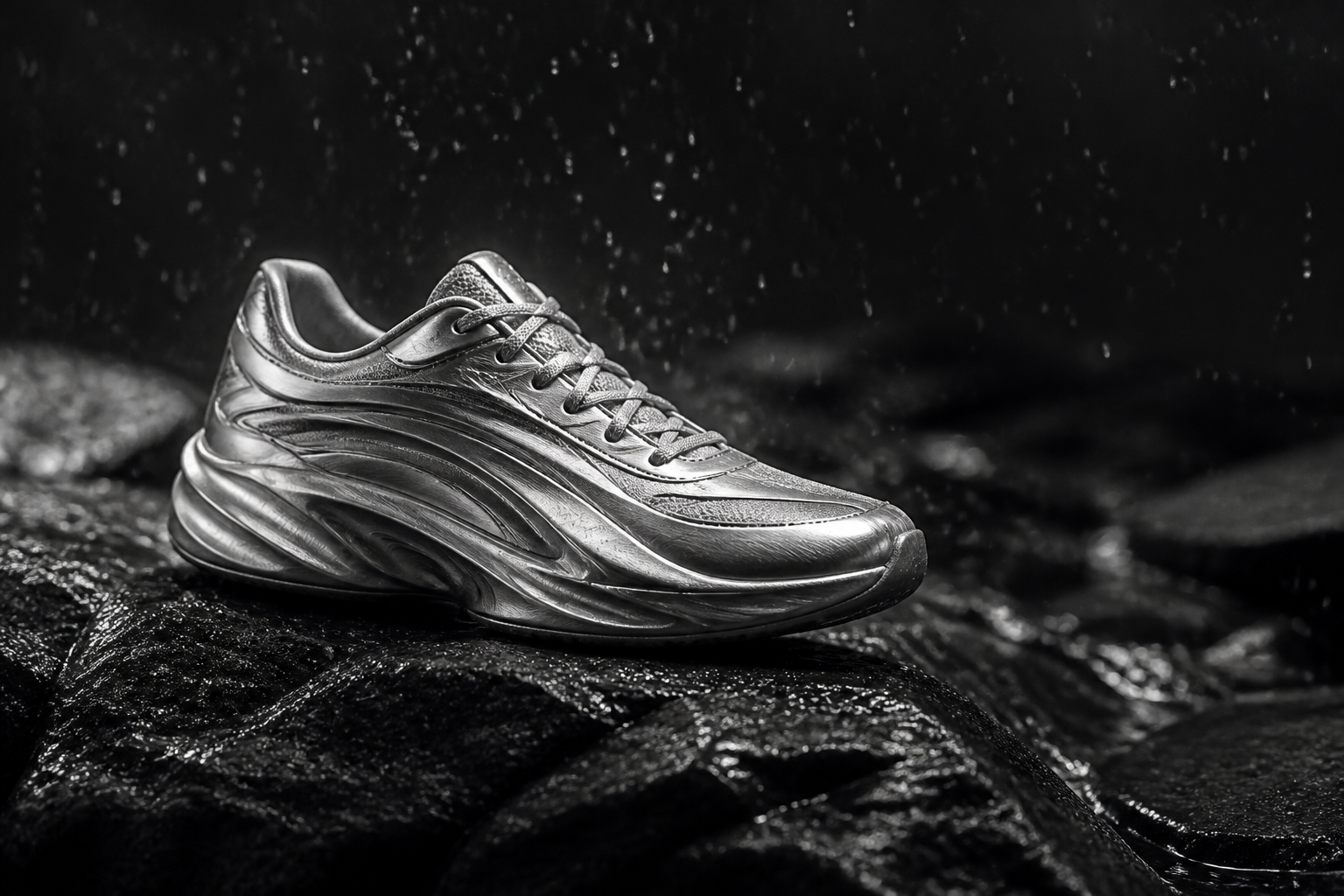 First take readyA clean key visual with room for a headline.
Start with a description or a reference. Generate a new visual, explore variations, then keep refining it in plain language until it feels right.
Say what should be in the frame, how it should feel, and what the image is for. AimiChat turns the important choices into a visual direction you can keep working from.
“A brushed-steel running shoe in rain, sharp side light, generous negative space”
First take readyA clean key visual with room for a headline.Editing is part of creating. Ask to replace a background, shift the light, change the crop, or restyle a result—while giving AimiChat a clear sense of what should stay.
“Keep the object. Make the setting a sunlit stone plinth.”
Use a first image as a visual north star, then create companion frames that share its subject, tone, and visual logic.
01Hero moment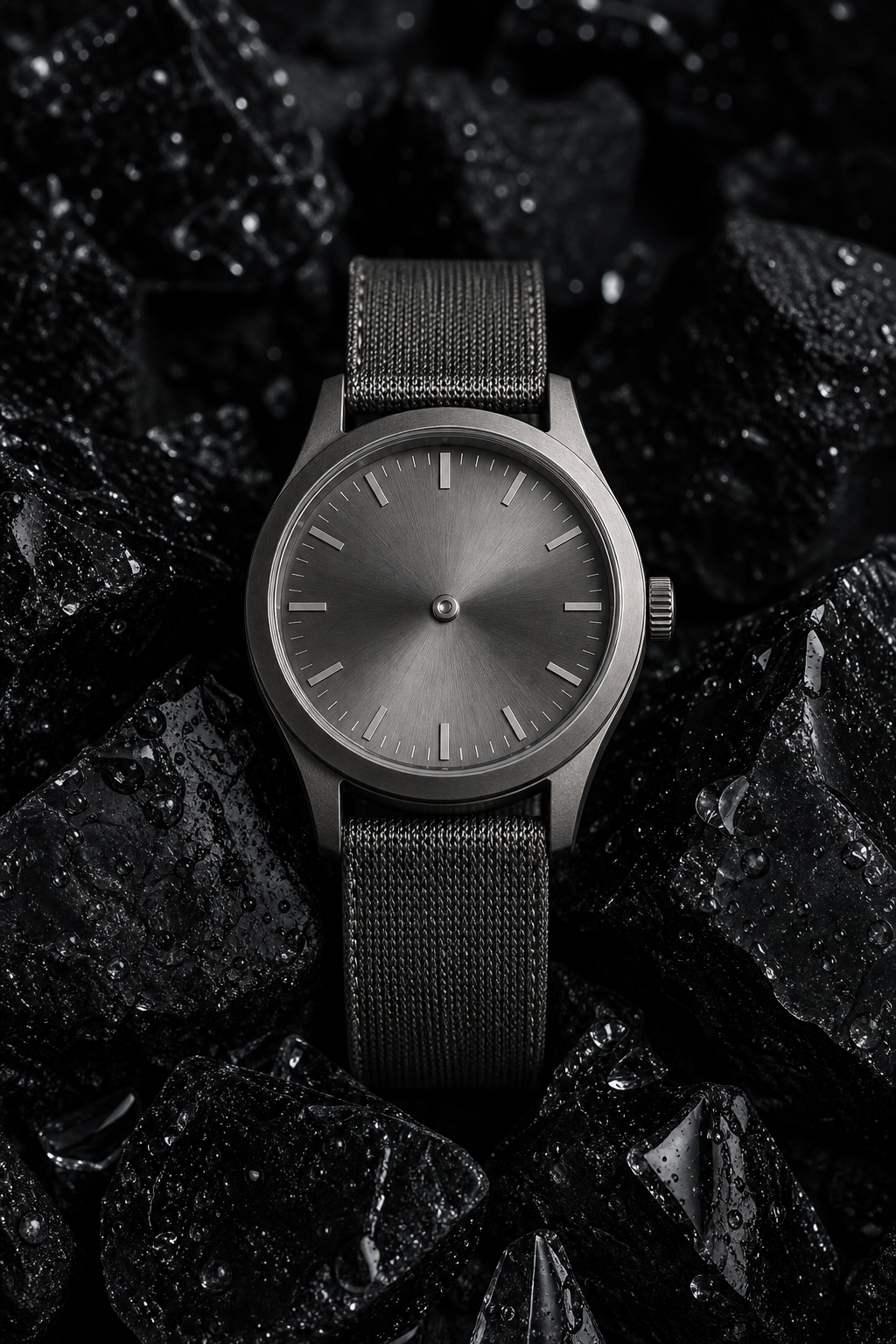 02Detail crop
 03Wide scene04Social cutdown